


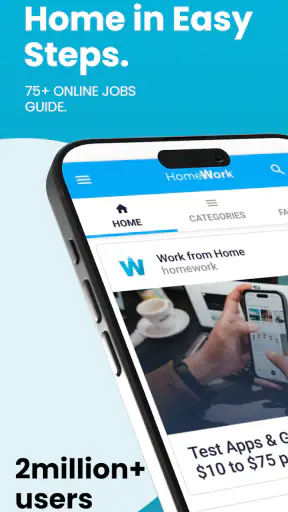
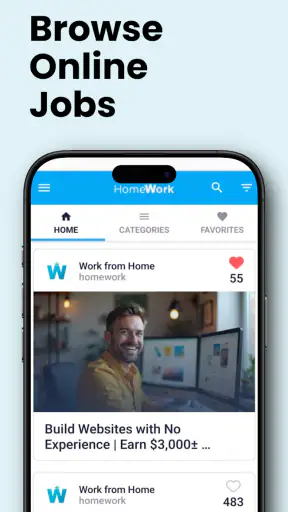
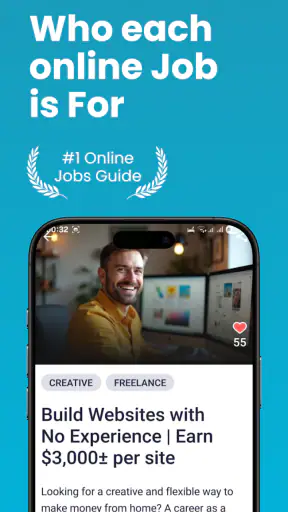
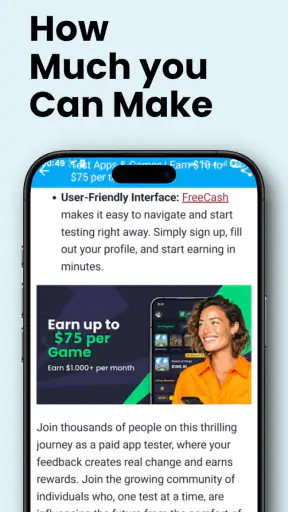
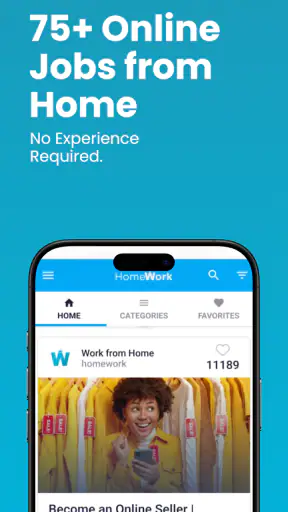
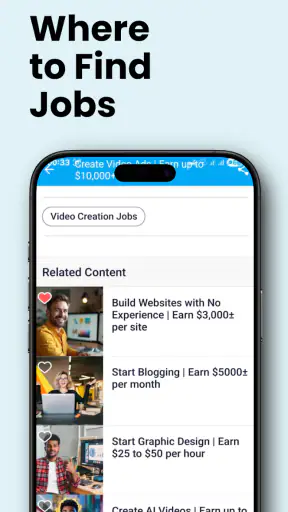
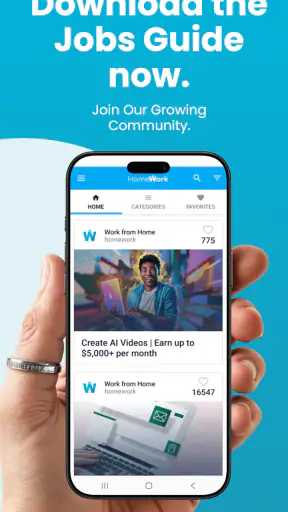
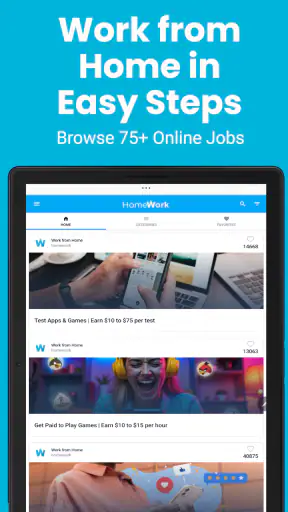
Finding legitimate remote work on a phone is harder than it sounds. Job boards can be crowded, search results can be repetitive, and many opportunities require careful checking before you invest time in an application. I tested Work from Home as a business app built around discovering online jobs and developing a home-based career, and my impression is that it works best as a starting point rather than a complete employment system.
The app is free, aimed at Everyone, and developed by Online Jobs & Remote Work. It has attracted over a million installs, which suggests that the idea appeals to a large audience looking for flexible work. Its average rating sits at 3.8 from around 5,000 ratings, so the reception is reasonably positive but not flawless. That balance matches my experience: the app can help organize a remote-job search, but the value depends heavily on how carefully I evaluate what I find.
How the app feels when the network is doing the work
The most important thing to understand is that this is a connectivity-dependent experience. The useful part of the app comes from reaching current online job information, reading descriptions, and moving between opportunities. When my connection was stable, browsing felt much more practical than trying to search through scattered social posts or general web results from a small screen.
That dependence also changes how I use it. I do not treat every listing as something to apply for immediately. Instead, I use a three-step routine: first I scan the title, then I read the requirements closely, and finally I check whether the role fits my actual schedule and skills. This prevents the app from becoming an endless stream of attractive-sounding promises. A fast connection makes that filtering process smoother, but it does not remove the need for judgment.
One useful habit is to open the app when I have enough time to investigate rather than when I am rushing between tasks. Remote-work listings often use broad labels such as writing, support, sales, administration, or freelancing. Those labels can hide major differences in experience, working hours, payment arrangements, and required equipment. The app is more helpful when I use it to identify a direction and then examine the opportunity carefully, rather than assuming the first result is suitable.
Connectivity matters particularly when a listing leads me toward another online destination. A slow or unstable connection can interrupt the transition between reading an opportunity and checking its details elsewhere. That makes mobile browsing feel less decisive than desktop research. I found it better to note the role, the required skills, and any questions I had before moving on, instead of repeatedly opening and closing pages while the network struggled.
The app’s current version is 141.0, and it requires Android 6.0 or later. That makes it accessible to people using older Android phones, although the quality of the overall experience still depends on the phone’s browser behavior, available storage, and connection. The operating-system requirement is not demanding, but an older device may make long job descriptions or repeated switching between screens less comfortable.
Useful in short mobile sessions
I can see this app fitting naturally into small pockets of time. Someone commuting, waiting for an appointment, or taking a lunch break could browse a few categories and save the most relevant ideas for deeper research later. That is more realistic than expecting to complete an entire job search from a phone in one sitting.
A practical scenario would be a parent with an unpredictable schedule who wants to explore remote customer-support or administrative work. During a quiet moment, the parent can use the app to compare the general type of work, note the skills that appear repeatedly, and build a short list of roles to investigate later. The app helps turn a vague goal into a more concrete search, but the actual application process may still be easier on a larger screen.
I also found mobile use helpful for comparing opportunities by effort rather than by title. A role that sounds simple may require fixed availability, frequent calls, or specialized experience. Another may be more flexible but demand a stronger portfolio. On a phone, I can quickly mark these differences in my own notes. That small workflow is more valuable than simply scrolling through many listings.
However, people who already know exactly which company or position they want may find a dedicated employer site or a specialized professional platform more efficient. Work from Home is broader and more exploratory. It is better for discovering possibilities than for replacing a focused application process.
What happens when the connection fails
Network interruptions are not just a minor annoyance here because they affect the core activity: accessing and evaluating online work information. If a page takes too long to load, I may lose the context of the opportunity or forget why it caught my attention. This is where a disciplined workflow helps. I keep a short note with the role name, the type of work, and the reason it seemed relevant before continuing.
I would not rely on the app as my only record of promising opportunities. A listing can change, disappear, or become difficult to revisit, and a connection problem can make it harder to retrace my steps. Writing down the essential details gives me a recovery path without depending on perfect browsing conditions. This is one of the most important practical lessons I took from using it.
When the network recovered, I preferred restarting with a narrower search instead of trying to reproduce every previous action. Broad browsing creates too many open possibilities, while a short list lets me return to the most promising roles quickly. The app supports discovery, but my own organization determines whether that discovery becomes useful progress.
There is also a psychological side to unreliable connectivity. Repeated loading delays can encourage careless decisions: I might skip requirements, apply too quickly, or abandon a useful opportunity. For that reason, I recommend treating a poor connection as a signal to postpone serious evaluation. Browsing casually is fine, but submitting personal details or making career decisions deserves a more reliable session.
Using mobile data without wasting the search
Because the app is centered on online information, data-conscious use is sensible. I would avoid opening every result just because its title sounds promising. A better approach is to filter mentally first: does the role match my skills, preferred schedule, and level of experience? If not, I move on before spending more time loading it.
Short sessions also make the app easier on a limited data plan. I can review a small group of relevant opportunities, record the useful details, and stop rather than continuously refreshing the feed. This is especially helpful for users who connect mainly through mobile data rather than a dependable home network.
Another useful trade-off is depth versus breadth. Reading ten listings quickly may feel productive, but carefully understanding two or three is usually more valuable. I pay attention to vague wording, unrealistic promises, unclear responsibilities, and requirements that do not match the headline. This approach reduces wasted data and, more importantly, reduces wasted application effort.
I also recommend separating discovery from verification. The app can point me toward a type of remote work, but I do not assume that an attractive description is enough. Before applying, I check the employer, the expected tasks, the communication method, and any request for money or sensitive information. A remote-work search should never bypass ordinary caution simply because the opportunity appears on a specialized app.
Where it beats ordinary alternatives
Compared with searching general web results, this app gives the process a clearer remote-work focus. I do not have to begin with a broad search such as “jobs near me” or sort through positions that obviously require office attendance. That focus is useful for beginners who are still learning which kinds of online work are realistic for them.
Compared with a professional networking platform, the experience feels less dependent on an established profile or network of contacts. That can make it less intimidating for someone starting from zero. On the other hand, professional platforms may offer stronger employer context, networking tools, and ways to demonstrate a work history. I would use Work from Home for exploration and another service for deeper verification and relationship building.
Compared with a single-company careers page, it offers a wider starting point. The trade-off is that a broad collection requires more personal filtering. If I already have a target employer, going directly to that employer is usually faster and more authoritative. If I only know that I want to work remotely but do not know which path fits, this app has more value.
The app is also not the right choice for someone expecting a complete freelance business toolkit. It may help identify directions, but building a profitable online career still involves skills, a portfolio, communication, scheduling, applications, interviews, and scam awareness. No job-discovery app can replace those parts of the process.
Who should install it, and who should skip it
I would recommend it to beginners, career changers, students exploring flexible work, and people who want a mobile-friendly way to survey remote opportunities. It is particularly useful when the user needs ideas and structure rather than a single, highly specialized vacancy.
I would be more cautious recommending it to experienced professionals who already have a strong network and a precise job target. They may get better results from industry-specific communities, direct employer applications, or platforms where portfolios and professional history are central. The broad approach here could feel slower than a focused search.
Users who dislike checking details independently should also think twice. The app can make remote work appear approachable, but the responsibility for judging fit and credibility remains with me. I would never treat a listing as guaranteed income, and I would be wary of any opportunity that asks for payment, promises effortless earnings, or avoids explaining the actual work.
My final view on its connected experience
After using Work from Home, I see it as a practical discovery tool with a clear limitation: its usefulness rises and falls with both the network and the quality of my own filtering. A stable connection makes browsing and follow-up research comfortable, while interruptions make personal notes and a narrow search strategy essential.
The app is free, carries an Everyone content rating, and is available for a wide range of Android devices. Its 1M+ install milestone shows that it has reached a substantial audience, while the 3.8 average indicates a useful but imperfect experience. I think that is a fair picture. Its strongest role is helping a person move from “I want remote work” to a more specific, realistic shortlist.
I would install it if I were exploring online careers from a phone, especially with limited time and no clear starting point. I would not use it alone for final verification, sensitive applications, or a complete career plan. Used alongside careful research and a reliable connection, Work from Home can be a sensible first step. Used as a promise of easy income, it is likely to disappoint.


